

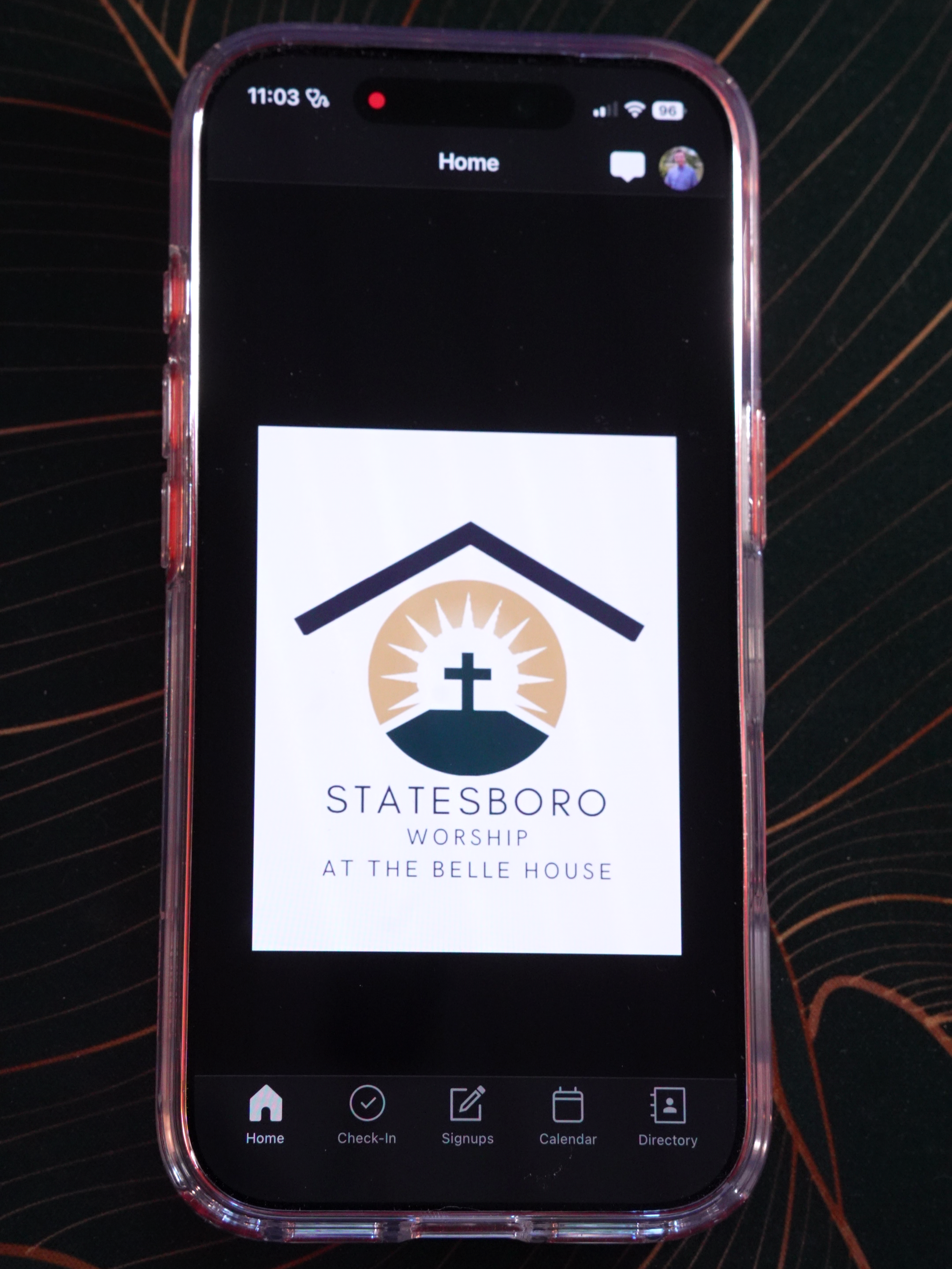
Church Directory
Our church directory is for our membership to connect with each other!
If you are a member of Statesboro Worship, you should already be added to our directory. If not, please follow the video tutorial on this page to learn how.
To check if you’re in the directory, simply download the Church Center App, log in to your Statesboro Worship account, and click “Directory.” From there, you can change what information is displayed, update your personal information, and add a photo.
Can’t see the video? Click here to open it up.
Profile or Household Photo
Why is it so important to upload your photo to our directory? So we can say hello this Sunday! By adding your picture, everyone will be able to identify you and make new connections, or look up old connections!
To add your personal profile photo, click on your profile in the app, then open Profile Settings. To change your household profile photo if you are the head of a household, go to your Directory profile settings in the app and scroll down.
Update your Information
In the Church Center App, you can edit the information we have in our private church database as well as the information you want displayed on the directory. In this video, you can see how to update your own information, such as address, phone number, email, etc., which will let us know you’ve changed these things. There are also separate directory settings which allow you to select if others can see your phone number, address, birthday, etc.
If you’d like to engage with our directory but don’t currently have access, consider becoming a Statesboro Worship member! We host a membership class every month where we share all the details of membership and allow you to learn more about our church.